
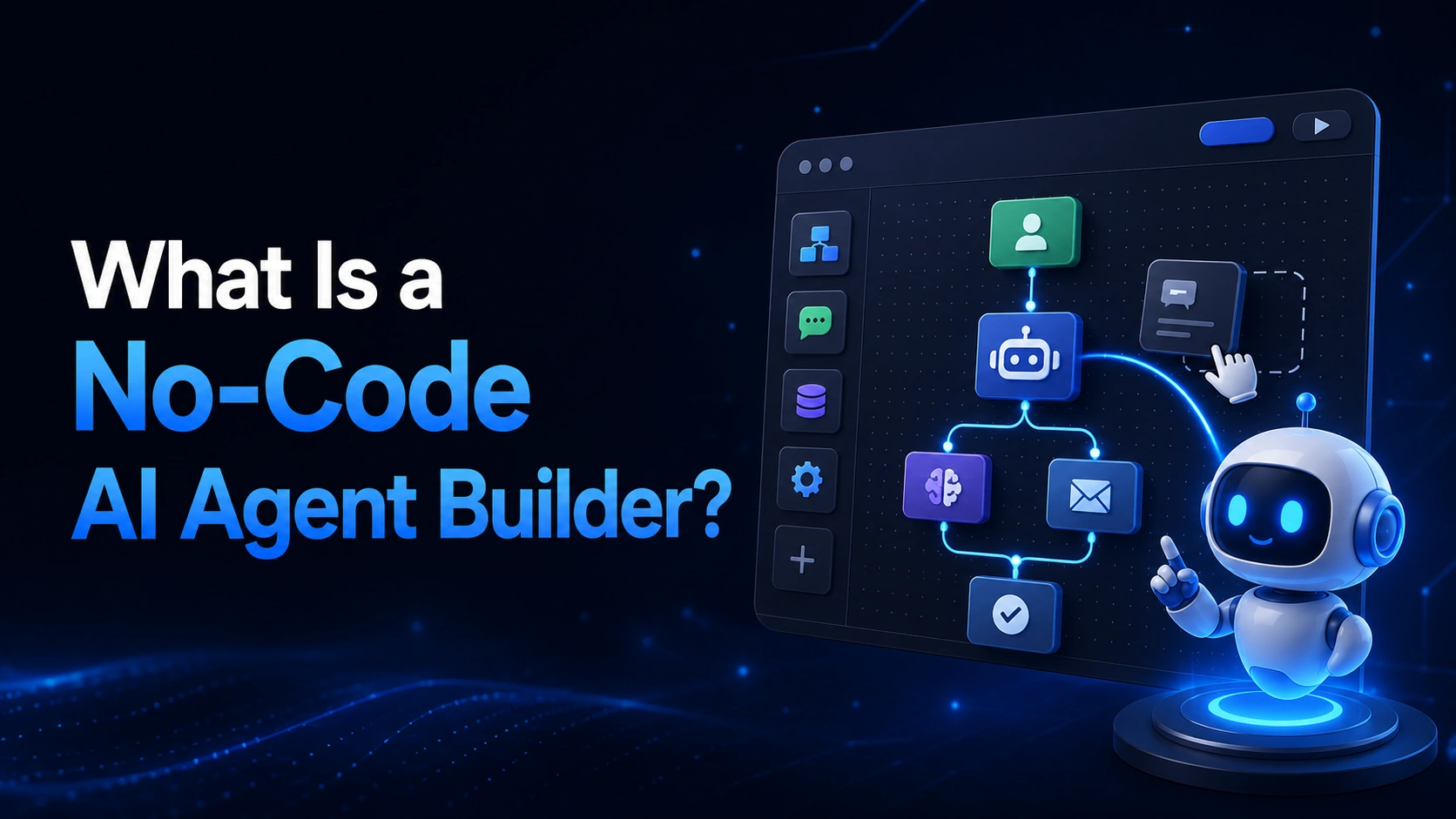
What Is a No-Code AI Agent Builder?
What You Can Build Without Code
- Chat and WhatsApp agents with conditional logic and tool integrations
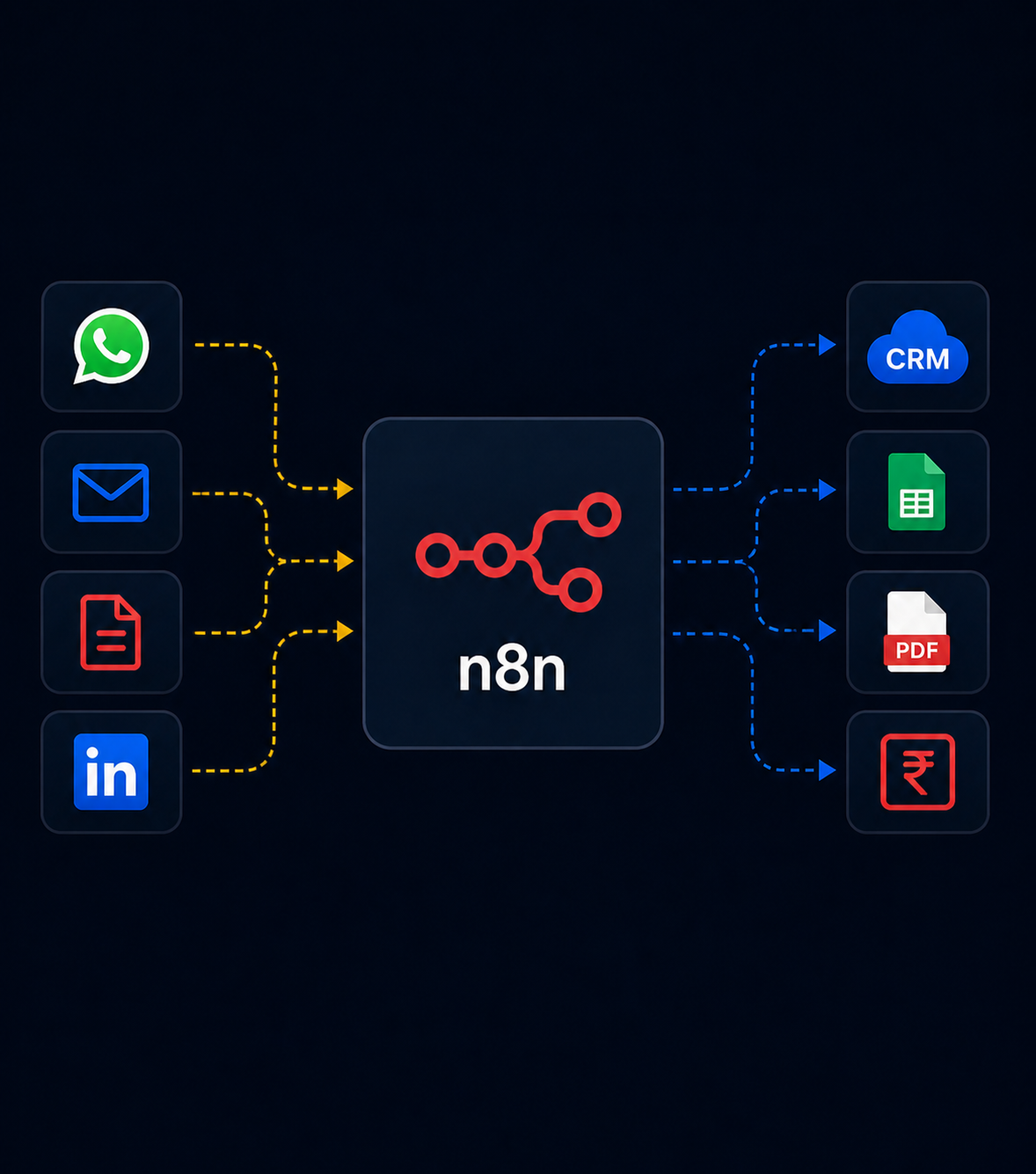
- Multi-step workflows connecting apps like Gmail, Sheets, CRMs, and calendars
- Simple RAG-based knowledge assistants using built-in document connectors
- Voice agent scripts with branching conversation flows
Where No-Code Hits Its Limits
No-code platforms are excellent for well-defined, moderately complex workflows. They tend to become harder to manage as logic grows more intricate – deeply nested conditional branches, custom error handling, or highly specific integrations with legacy or proprietary systems often require custom code to implement cleanly and reliably.
No-Code vs. Custom-Built: When to Use Each
| Scenario | Better Fit |
|---|---|
| Standard integrations (CRM, calendar, email, WhatsApp) | No-code |
| Fast prototyping and testing an idea | No-code |
| Complex, highly custom business logic | Custom code |
| Proprietary or legacy system integration | Custom code |
| Mission-critical systems needing fine-grained error handling | Custom code |
Frequently Asked Questions
Is no-code AI automation reliable enough for production use?
Yes, for well-scoped workflows – many production business systems run entirely on no-code platforms like n8n. Reliability depends more on good design and monitoring than on whether code was written.
Can I migrate from a no-code prototype to a custom-built system later?
Yes, and it’s a common path – validate the workflow logic with a no-code tool first, then rebuild the parts that need more control or scale as usage grows.
Do I still need technical help to use a no-code AI builder well?
For anything beyond simple workflows, yes – proper error handling, security, and integration design still benefit from experienced technical guidance, even on a no-code platform.