



AI-Powered Email Triage: How to Stop Drowning in Your Inbox
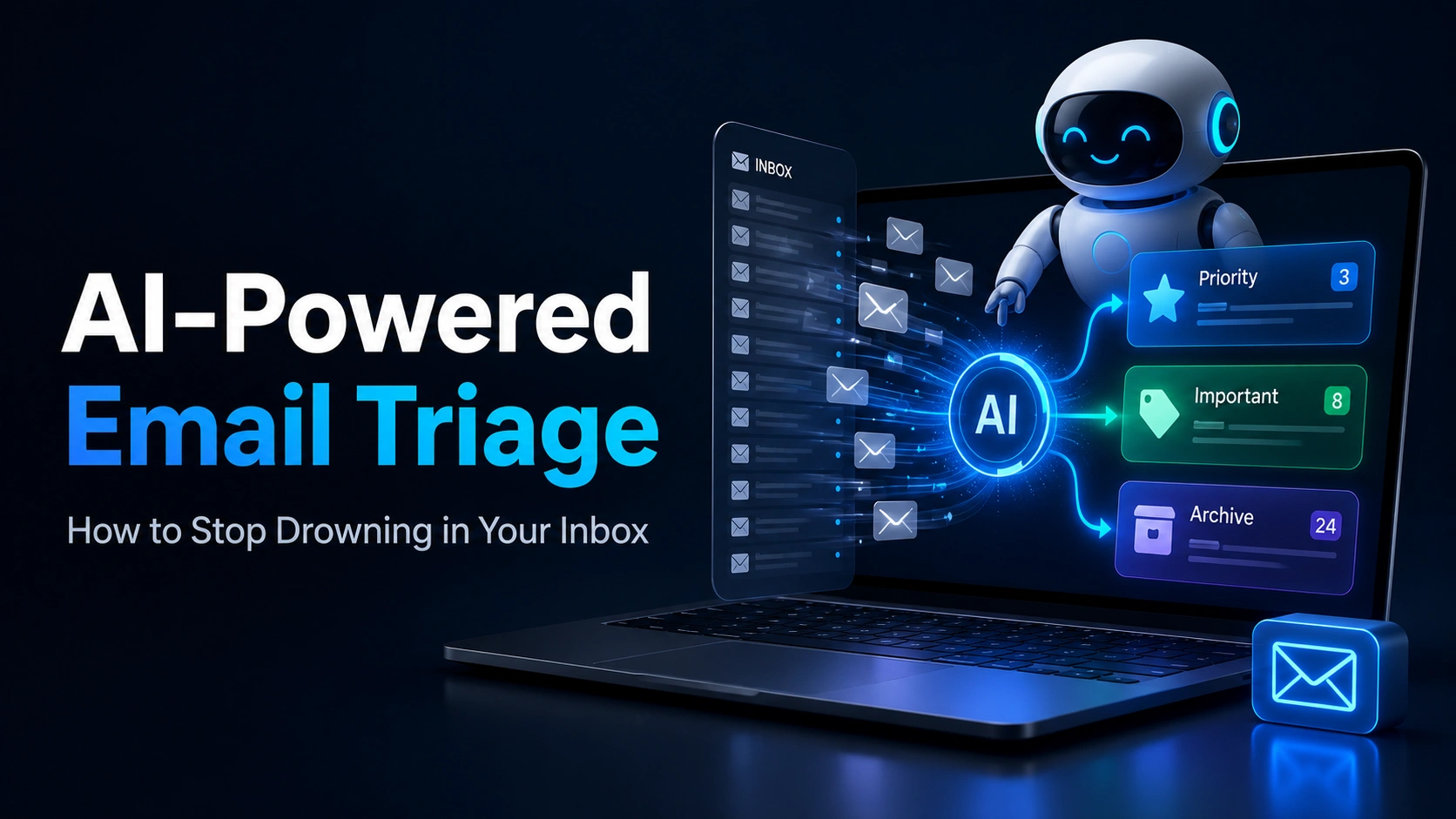
TL;DR: AI email triage automatically reads incoming emails, classifies them by urgency and category, drafts responses for routine queries, and surfaces only the emails that genuinely need your personal attention – cutting inbox processing time significantly for business owners and support teams.
How Triage Actually Works
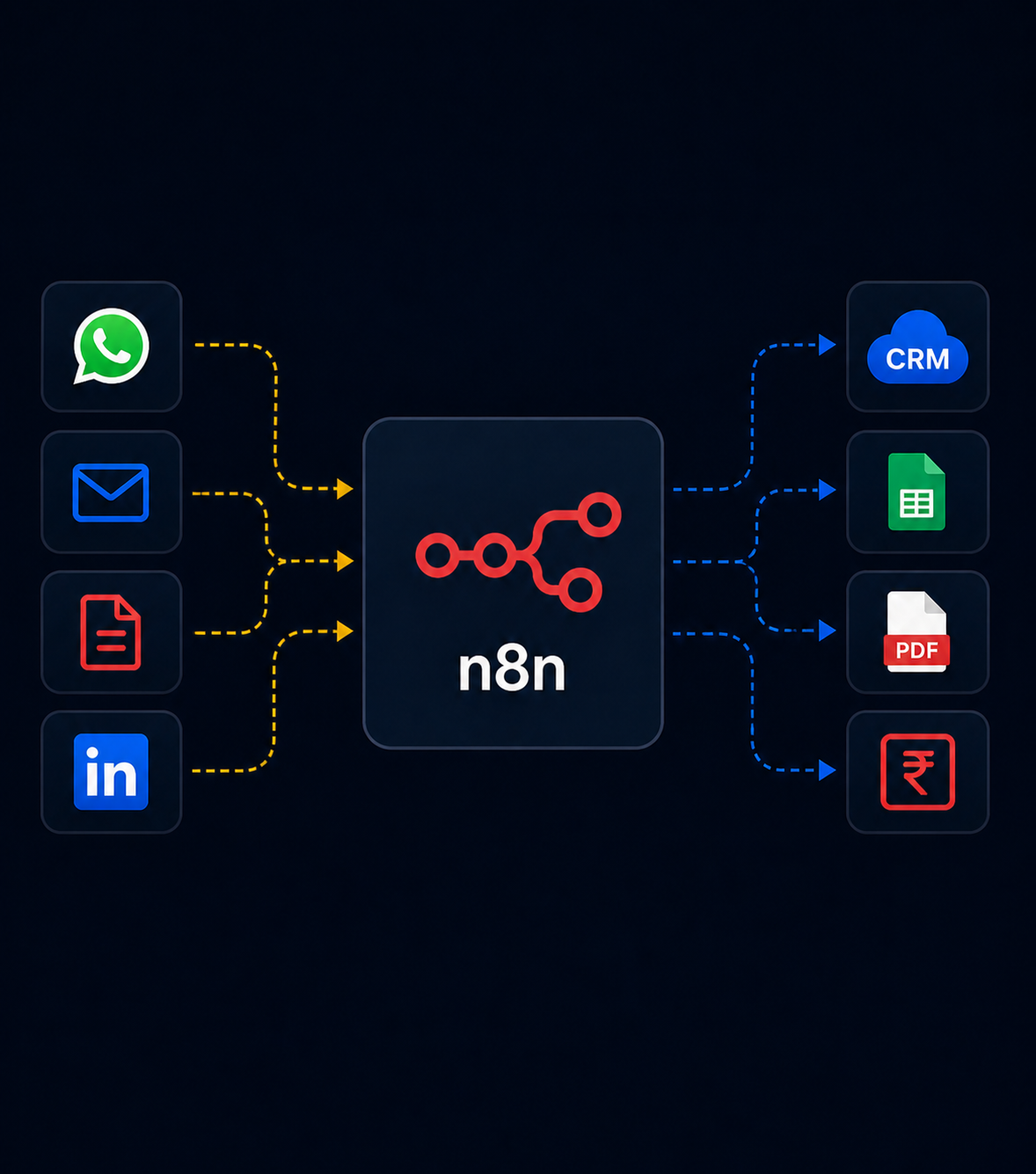
- Classification: Each incoming email is tagged (sales inquiry, support request, invoice, spam, urgent) using an AI model.
- Prioritization: Emails are ranked by urgency and sender importance, not just arrival time.
- Drafting: For routine categories, a response draft is generated automatically for review or auto-send.
- Routing: Emails are forwarded or assigned to the right team member automatically based on content.
- Summarization: A daily digest highlights only what genuinely needs a human decision.
Common Use Cases
- Business owners who receive 100+ emails daily across sales, support, and vendor communication
- Support teams that need incoming requests auto-categorized and routed to the right specialist
- Sales teams that want inbound leads immediately flagged and drafted with a first response
Key takeaways: Email triage is often one of the fastest wins in an AI automation roadmap – it’s low-risk (email is naturally reviewable before sending) and the time savings are immediately visible.
Frequently Asked Questions
Will an AI system send emails on my behalf without review?
That’s configurable – most businesses start with AI drafting responses for human approval, then move select categories (like simple FAQ replies) to full auto-send once trust is established.
Can it work with Gmail and Outlook?
Yes, both have well-supported APIs that integrate cleanly with AI triage systems.
How accurate is AI classification of urgent emails?
Accuracy generally improves over the first few weeks as the system learns your specific patterns and priorities, and can be manually corrected to improve over time.
Tired of manually sorting your inbox every morning? See how Monk Media One Tech automates email workflows →