
How to Build a Lead-Capturing AI Chatbot for Your Website in Under a Day
Most website chatbots are either glorified FAQ widgets ('Click a button to see our answer') or expensive enterprise solutions with 3-month onboarding. There's a better option in the middle.
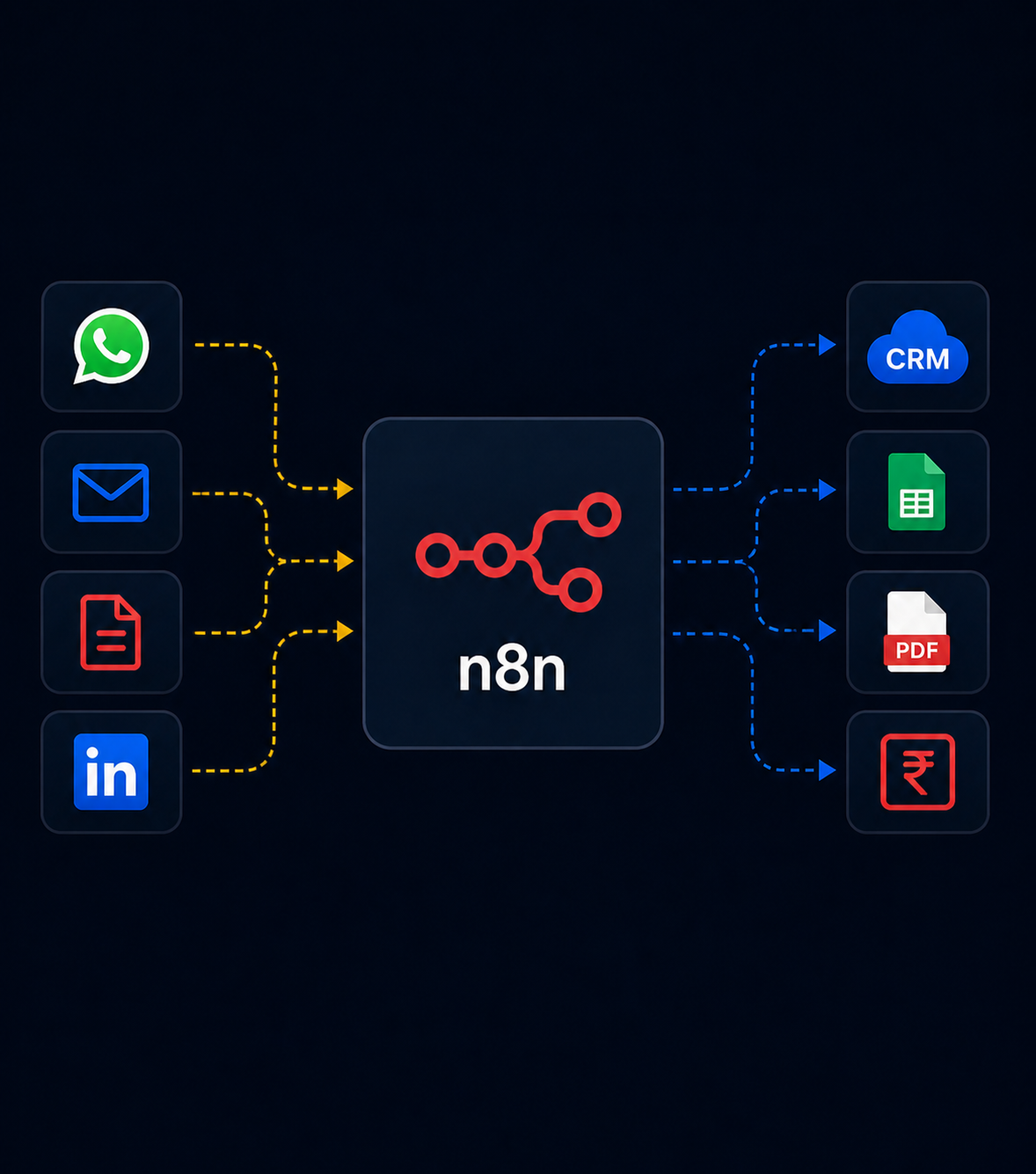
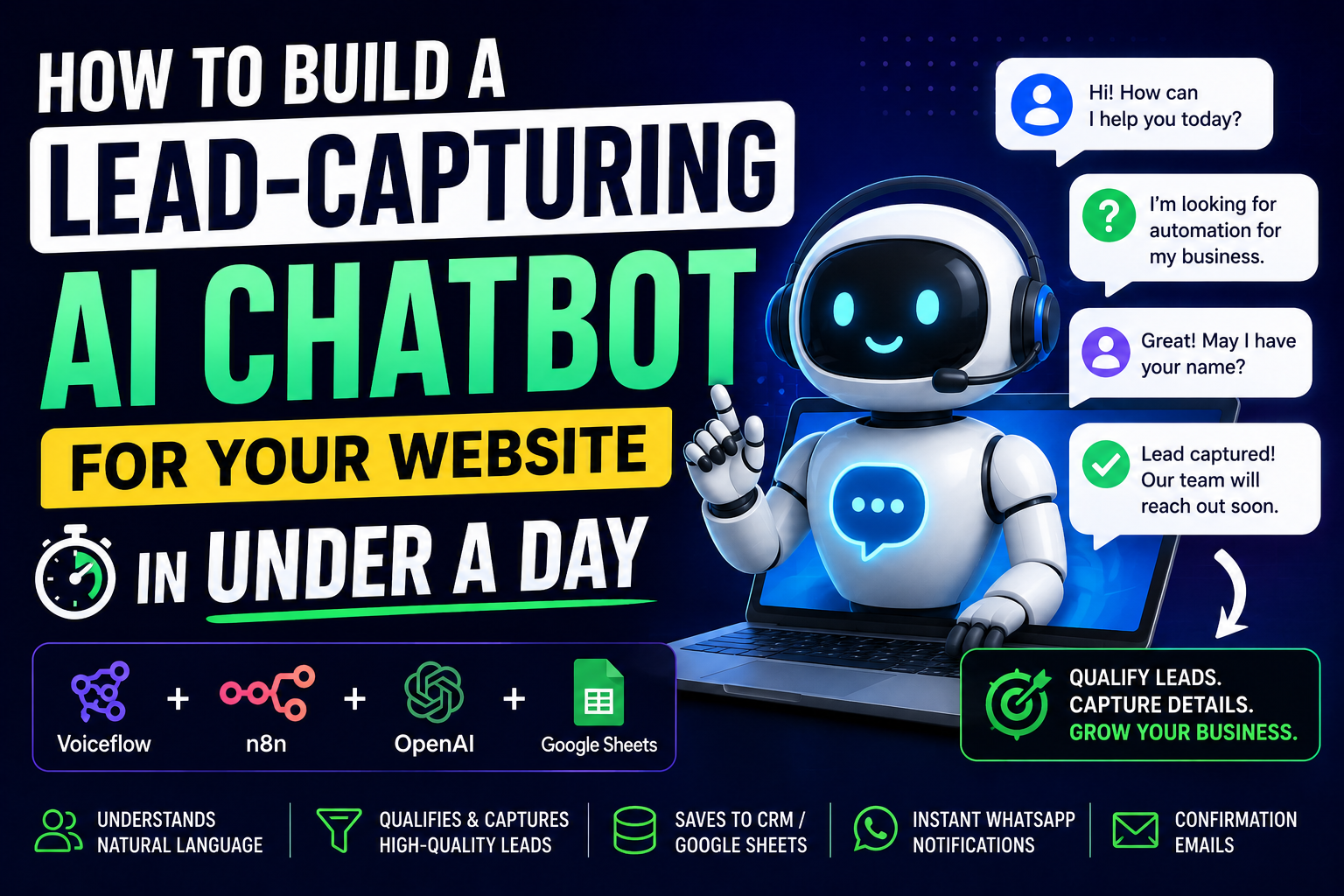
This tutorial shows you how to build a proper AI chatbot lead capture solution that qualifies leads, captures contact details, and syncs to your CRM — using Voiceflow (frontend) + N8N (backend) + OpenAI. Total build time: 4–6 hours. Total cost: ₹2,000–3,000/month.
What You'll Build
- Greets visitors and asks what they're looking for
- Understands natural language (not just button clicks)
- Qualifies the lead with 3–4 questions
- Captures name, email, phone, and specific requirement
- Saves to Google Sheets or your CRM
- Sends an immediate WhatsApp notification to your sales team
- Sends a confirmation email to the prospect
Tool Stack
| Tool | Purpose | Cost |
|---|---|---|
| Voiceflow | Chat UI + conversation design | Free–$50/mo |
| N8N | Backend automation (lead saving, notifications) | ₹800/mo self-hosted |
| OpenAI GPT-4o-mini | Natural language understanding | ₹500–1,500/mo |
| Google Sheets | Lead storage (simple CRM) | Free |
| Gmail | Confirmation emails | Free |
Step 1 — Design the Conversation Flow in Voiceflow
Voiceflow is a visual conversation design tool. Sign up at voiceflow.com and create a new project.
Your conversation flow:
Greeting
"Hi! I'm the AI assistant for [Company].
What brings you here today?"
    │
    ▼
[AI captures intent from free-text response]
    │
    ├── "Looking for services"
    │        │
    │        ▼
    │   "What specific challenge are you trying to solve?"
    │        │
    │        ▼
    │   Qualify: Budget range? Timeline? Company size?
    │        │
    │        ▼
    │   Capture: Name, Email, Phone
    │        │
    │        ▼
    │   Send to N8N webhook → CRM + notifications
    │        │
    │        ▼
    │   "Great! Someone from our team will reach
    │    out within 2 hours. Anything else?"
    │
    └── "Just browsing"
             │
             ▼
        "No problem! Feel free to explore.
         I'm here if you have questions."
In Voiceflow, use an 'AI Step' (not just button choices) so users can type naturally. Set the AI step to use OpenAI and pass the system prompt defining your business context.
Step 2 — Configure the AI Step
In Voiceflow's AI step, add this system prompt:
You are a friendly lead qualification assistant for [YOUR COMPANY NAME].

Your goal: Qualify the visitor and capture their contact details.

About our business: [Paste your 3-sentence company description here]

Qualification questions to ask (in natural conversation, not as a list):
1. What specific problem are they trying to solve?
2. What's their timeline? (Immediate need, 1–3 months, exploring)
3. Approximate budget range?
4. Company size / industry?

Once you have enough context, ask for:
- Their name
- Email address
- Phone number (WhatsApp preferred)

When you have all information, say exactly:
"LEAD_CAPTURED: [JSON with all captured info]"

Keep responses conversational and under 60 words. Be helpful, not pushy.
The LEAD_CAPTURED: trigger is how Voiceflow knows to fire the webhook to N8N.
Step 3 — N8N Webhook to Save and Notify
Create a webhook in N8N that receives the lead data from Voiceflow:
// Parse the captured lead from Voiceflow's output
const lead_data = JSON.parse(
  $json.last_message.replace('LEAD_CAPTURED: ', '')
);

return [{ json: {
  name: lead_data.name,
  email: lead_data.email,
  phone: lead_data.phone,
  requirement: lead_data.requirement,
  timeline: lead_data.timeline,
  budget: lead_data.budget,
  source: 'Website chatbot',
  timestamp: new Date().toISOString()
} }];
Then:
- Google Sheets append — Add row to your lead tracker
- WhatsApp notification — Alert your sales team with lead details
- Gmail — Send confirmation email to the prospect
- Optional: CRM API — Create contact in HubSpot, Zoho, or Pipedrive
Step 4 — Embed on Your Website
Voiceflow generates an embed snippet. Paste into your WordPress footer or header:
<script type='text/javascript'>
  (function(d, t) {
    var v = d.createElement(t), s = d.getElementsByTagName(t)[0];
    v.onload = function() {
      window.voiceflow.chat.load({
        verify: { projectID: 'YOUR_PROJECT_ID' },
        url: 'https://general-runtime.voiceflow.com',
        versionID: 'production',
        launch: {
          event: { type: 'launch', payload: { page: window.location.href } }
        }
      });
    }
    v.src = 'https://cdn.voiceflow.com/widget/bundle.mjs';
    v.type = 'text/javascript';
    s.parentNode.insertBefore(v, s);
  })(document, 'script');
</script>
Lead Qualification Scoring
Add a simple scoring step in N8N based on the captured data:
const lead = $json;
let score = 0;

// Timeline scoring
if (lead.timeline === 'immediate') score += 3;
else if (lead.timeline === '1-3 months') score += 2;
else score += 1;

// Budget scoring
if (lead.budget > 100000) score += 3;
else if (lead.budget > 50000) score += 2;
else score += 1;

// Company size
if (lead.company_size > 50) score += 2;
else score += 1;

const priority = score >= 7 ? 'HOT' : score >= 5 ? 'WARM' : 'COLD';

return [{ json: { ...lead, score, priority } }];
Results to Expect
- Chatbot engagement rate: 18–35% of visitors who see the widget
- Lead capture rate (of engagements): 25–40%
- Lead-to-conversation rate: 60–70% higher than form submissions alone
- Average time to first contact: 8 minutes (from chatbot capture to sales rep WhatsApp notification)
The speed advantage is significant. Studies consistently show that contacting a lead within 5 minutes of their inquiry increases conversion rates by 8–10x compared to calling 30 minutes later.
We're Monk Media One Tech — AI automation agency, Ahmedabad. We build lead generation chatbots, N8N workflows, and AI systems for businesses.
Book a free discovery call: monkmediaone.tech/contact
📞 +91 88668 19349 | hello@monkmediaone.tech