





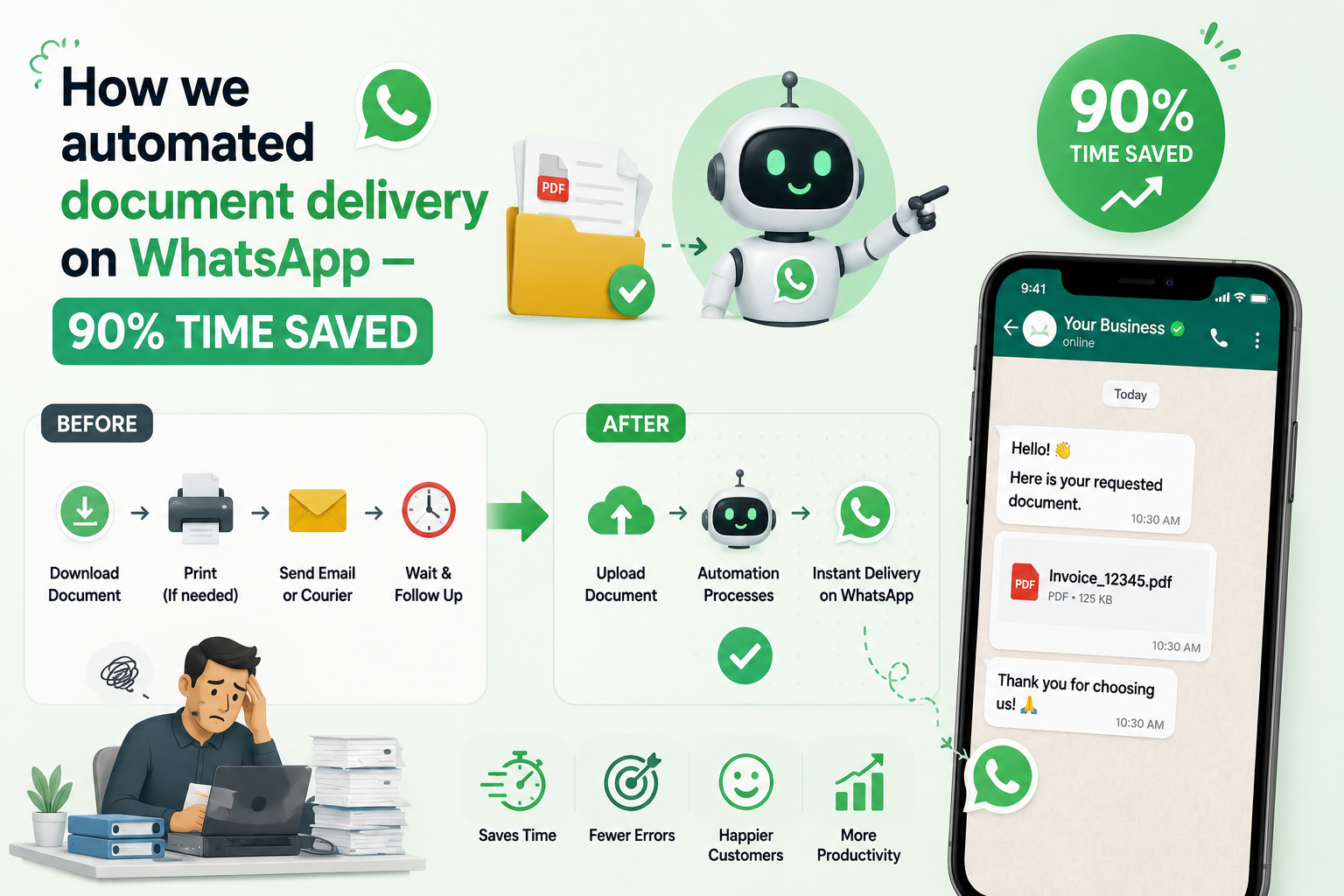
Discover how we built a WhatsApp Document Automation to eliminate manual document sharing, saving our financial client 90% staff time.
A full case study: N8N + WhatsApp Business API + cloud storage automation that eliminated manual document sharing for a financial services client.
Our client had 200+ active customers who regularly needed documents — account statements, invoices, certificates, policy documents, receipts. Every request came through WhatsApp. Every request required a staff member to find the right file, locate the right version, and send it manually.
It was taking 3–4 hours of staff time every single day. On busy days, customers waited 4–6 hours for a document they needed urgently.
We built a WhatsApp AI assistant that handles every document request automatically, in under 60 seconds, with zero human involvement.
Here's exactly how we built it.
The Problem (In Detail)
Before the automation, the process looked like this:
- Customer sends a WhatsApp message: "Please send my account statement for March"
- Staff member reads the message (if they're not busy)
- Staff navigates to the file storage system
- Searches for the customer's account
- Finds the correct document for the requested period
- Downloads it
- Sends it back on WhatsApp
- Marks it as done
Average time per request: 8–15 minutes. Daily volume: 15–25 requests. Total daily staff time consumed: 3–4 hours minimum.
On quarter-end, this jumped to 50+ requests per day. The team was overwhelmed. Customers complained. Document requests fell through the cracks.
The Solution Architecture
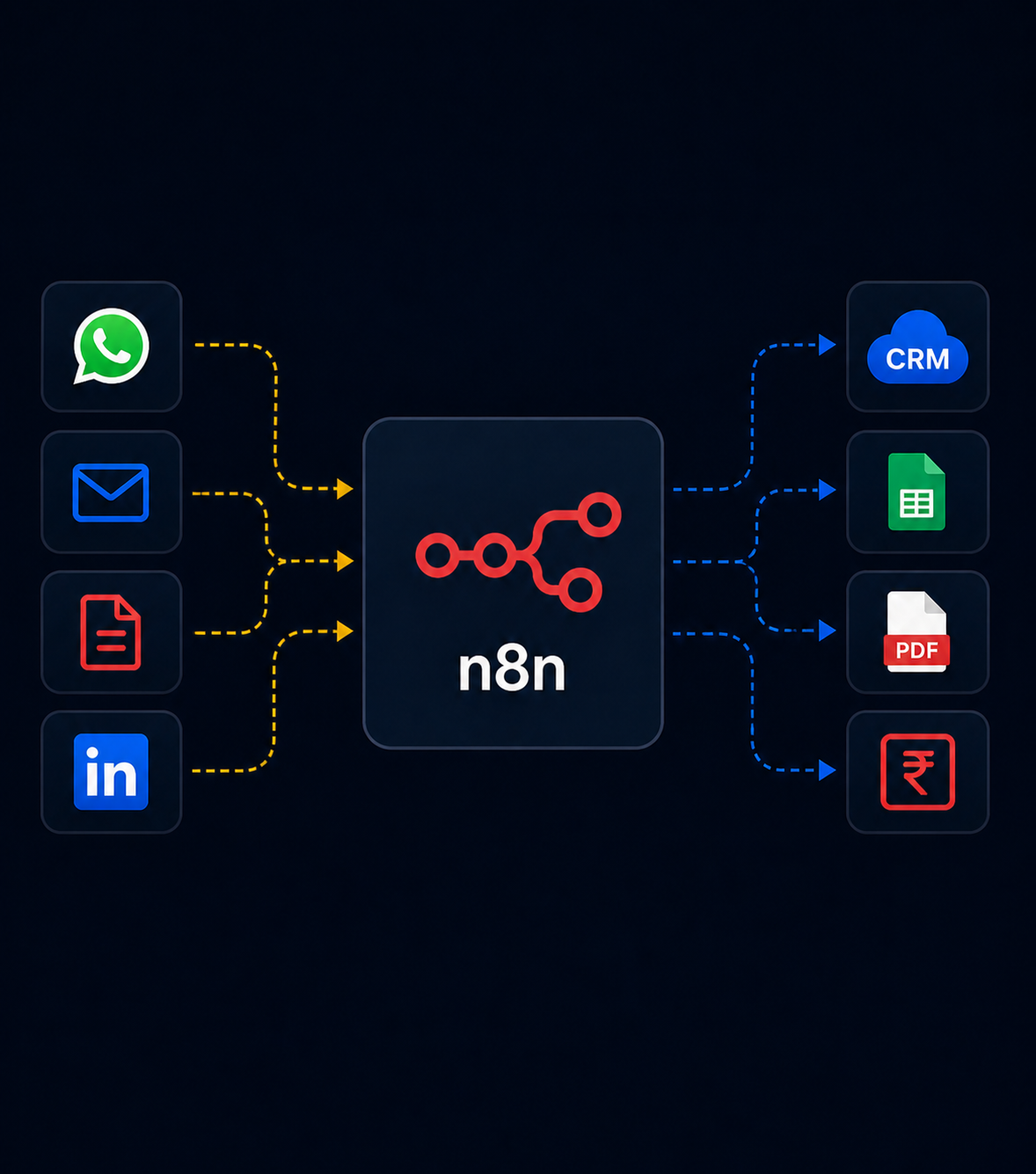
Customer WhatsApp Message
         │
         ▼
WhatsApp Business API (webhook)
         │
         ▼
N8N Workflow Engine
         │
    ┌────┴─────┐
    │           │
Identify     Identify
customer     document
(phone no.)  (intent NLP)
    │           │
    └────┬─────┘
         │
         ▼
Google Drive / S3 Search
(find the right file)
         │
         ▼
Send document via WhatsApp API
         │
         ▼
Log request to Google Sheets
Five components:
- WhatsApp Business API — receives messages and sends responses
- N8N — the orchestration layer connecting everything
- OpenAI GPT-4o-mini — understands the request and extracts intent
- Google Drive — stores all customer documents
- Google Sheets — logs every request for auditing
Step-by-Step Build
Step 1 — WhatsApp Business API Setup
You need a WhatsApp Business account through Meta's Cloud API (free) or a BSP (Business Solution Provider) like Twilio, Interakt, or Gupshup.
For Indian businesses, we recommend Interakt or WATI — they're Indian BSPs with INR billing, local support, and faster WhatsApp Business Account approval.
Once approved, you get:
- A dedicated WhatsApp phone number
- A webhook URL where messages arrive
- An API to send messages back
Configure your webhook to point to N8N:
Webhook URL: https://your-n8n.yourdomain.com/webhook/whatsapp-incomingStep 2 — N8N Webhook Trigger
In N8N, create a new workflow starting with a Webhook node:
{
  "node": "Webhook",
  "parameters": {
    "httpMethod": "POST",
    "path": "whatsapp-incoming",
    "responseMode": "lastNode"
  }
}
The webhook receives a JSON payload from WhatsApp like this:
{
  "entry": [{
    "changes": [{
      "value": {
        "messages": [{
          "from": "919876543210",
          "text": { "body": "Please send my invoice for February" },
          "timestamp": "1706784000"
        }],
        "contacts": [{
          "profile": { "name": "Rajesh Shah" },
          "wa_id": "919876543210"
        }]
      }
    }]
  }]
}
Extract the key fields using N8N's Set node:
phone_number:{{ $json.entry[0].changes[0].value.messages[0].from }}message_text:{{ $json.entry[0].changes[0].value.messages[0].text.body }}sender_name:{{ $json.entry[0].changes[0].value.contacts[0].profile.name }}
Step 3 — Intent Extraction with AI
Add an OpenAI node to understand what document is being requested:
System prompt:
You are a document request classifier. Extract the document type and time period from the customer message.

Return JSON only:
{
  "document_type": "invoice|statement|certificate|receipt|policy|other",
  "time_period": "month name and year if mentioned, or 'latest' if not specified",
  "confidence": "high|medium|low"
}

If you cannot determine the document type, set document_type to "unclear".

User message: {{ $json.message_text }}
This converts "Please send my GST invoice for last quarter" into:
{
  "document_type": "invoice",
  "time_period": "Q3 2024",
  "confidence": "high"
}
Step 4 — Customer Lookup
Using the phone number, find the customer in your system. We use a Google Sheets lookup (simple) or a database query (for larger systems):
// N8N Code node
const phone = $input.first().json.phone_number;
const sheet_data = $input.all(); // From Google Sheets Read node

const customer = sheet_data.find(row =>
  row.json.phone_number === phone ||
  row.json.phone_number === phone.replace('91', '')
);

if (!customer) {
  return [{ json: { found: false, phone: phone } }];
}

return [{
  json: {
    found: true,
    customer_id: customer.json.customer_id,
    customer_name: customer.json.name,
    folder_id: customer.json.drive_folder_id
  }
}];
Step 5 — Google Drive Search
Using the customer's folder ID and the extracted document type/period, search for the right file:
// N8N Google Drive node — Search Files
// Query: name contains 'invoice' and 'Feb 2024' and parents in 'FOLDER_ID'

const doc_type = $json.document_type;
const period = $json.time_period;
const folder_id = $json.folder_id;

const query = `name contains '${doc_type}' and name contains '${period}' and '${folder_id}' in parents and trashed = false`;
If one file is found → send it.
If multiple files found → send the most recent one and note others are available.
If no file found → send a "not found" message and create a staff notification.
Step 6 — Send Document on WhatsApp
// N8N HTTP Request node — WhatsApp API send document

{
  "method": "POST",
  "url": "https://graph.facebook.com/v18.0/YOUR_PHONE_NUMBER_ID/messages",
  "headers": {
    "Authorization": "Bearer YOUR_WHATSAPP_TOKEN",
    "Content-Type": "application/json"
  },
  "body": {
    "messaging_product": "whatsapp",
    "to": "{{ $json.phone_number }}",
    "type": "document",
    "document": {
      "id": "{{ $json.whatsapp_media_id }}",
      "caption": "Here is your {{ $json.document_type }} for {{ $json.time_period }}, {{ $json.customer_name }}. If you need anything else, just ask!"
    }
  }
}
Note: You first need to upload the file to WhatsApp's media servers to get a whatsapp_media_id, then send that ID. The N8N workflow handles this in two steps.
Step 7 — Logging and Error Handling
Every request gets logged to Google Sheets:
| Timestamp | Customer | Phone | Request | Document Found | File Name | Response Time |
|---|---|---|---|---|---|---|
| 2024-02-15 14:32 | Rajesh Shah | 9198... | invoice feb | Yes | INV_Feb2024_RS.pdf | 4.2s |
For failed requests (document not found, customer not in system), the workflow:
- Sends the customer a polite "working on it" message
- Sends a WhatsApp notification to the staff member responsible
- Logs the failed request for follow-up
The Numbers After 60 Days
| Metric | Before | After |
|---|---|---|
| Average response time | 4–6 hours | 45 seconds |
| Staff hours per day on doc requests | 3–4 hours | 20 minutes |
| Customer complaints about delays | 8–12/week | 0–1/week |
| Requests handled automatically | 0% | 87% |
| Staff cost for this task | ₹12,000/month | ₹2,000/month |
The 13% of requests not handled automatically are either unusual document types, new customers not yet in the system, or requests requiring judgment (e.g., "send me everything from last year"). These get flagged for human handling.
Extending the System
Once the base workflow was running, we added:
Outbound proactive notifications — When a new document is generated (monthly statement, renewal notice), the system automatically sends it to the customer on WhatsApp. Zero staff involvement.
Voice note transcription — Some customers send voice notes instead of text. We added a Whisper transcription step before the intent extraction.
Hindi/Gujarati support — OpenAI handles Hindi and Gujarati text naturally. We added a language detection step and adapted the response templates.
Request history — Customers can ask "what documents have you sent me this year?" and get a summary from the log sheet.
What This Costs to Build and Run
Build time: 5–7 working days for a mid-complexity implementation.
Running costs per month:
- N8N (self-hosted): ₹1,200/month (VPS)
- OpenAI API (intent extraction): ~₹500–1,500/month depending on volume
- WhatsApp Business API: ₹0 for first 1,000 conversations/month, then ~₹0.50–0.70 per conversation
- Total: ₹2,000–4,000/month
For a client that was spending ₹12,000/month in staff time on document requests alone, this system paid for itself in the first week.
We're Monk Media One Tech — AI automation agency, Ahmedabad. We build WhatsApp automation, N8N workflows, and AI systems for businesses across India and Canada.
Book a free discovery call: monkmediaone.tech/contact
📞 +91 88668 19349 | hello@monkmediaone.tech